Key points
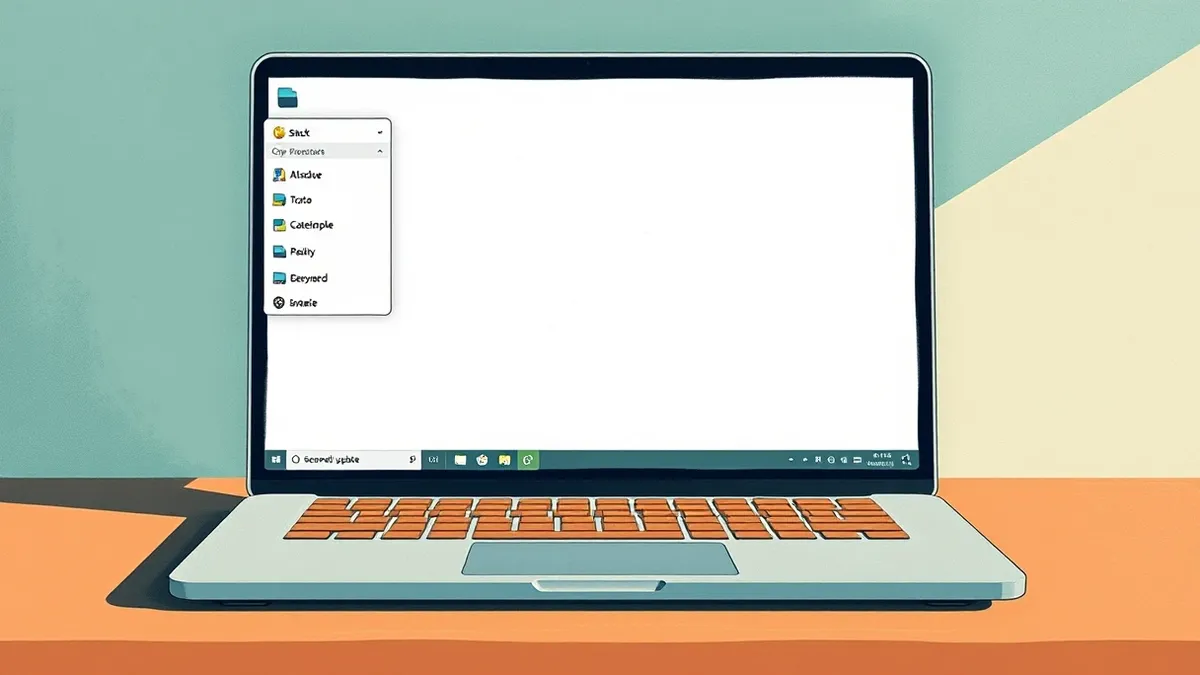
- Right-click menus in File Explorer are now customisable for Windows 11 25H2 and 26H2.
- A new Cloud rebuild feature allows recovery if Windows fails to load.
- Support for Windows 11 24H2 Home and Pro editions ended last month.
Microsoft has released its November Patch Tuesday update for Windows 11, introducing a customisable right-click menu and a new cloud-based recovery option.reported The update, identified as KB5132061 (version 26300.9974), is mandatory and targets specific recent builds of the operating system.The latest Windows update lets you pick which apps appear when you right-click, making the menu easier to use.The KB5132061 update introduces context menu customisation and cloud recovery, but restricts support to 25H2 and 26H2 builds.
Evidence: reported
Microsoft fixes over 1,000 Windows flaws – and one is being exploitedaifleet-zdnet
The evidence
According to ZDNet AI, the update allows users to add or remove specific commands and apps from the context menu in File Explorer and on the desktop.reported This addresses previous design flaws where menus became cluttered with installed applications or lacked necessary commands, forcing users to toggle between modern and classic menu styles. The new Cloud rebuild feature can recover Windows installations that fail to load, though this capability is limited to Windows 11 25H2 and 26H2.reported
Evidence: reported
Microsoft fixes over 1,000 Windows flaws – and one is being exploitedaifleet-zdnet
Evidence: reported
Microsoft fixes over 1,000 Windows flaws – and one is being exploitedaifleet-zdnet
The decision
Users must verify their system version to ensure they receive the update, as support for Windows 11 24H2 Home and Pro editions ended last month.reported While Enterprise and Education versions of 24H2 continue to receive monthly security updates, they no longer get regular non-security preview updates.reported Windows 11 23H2 Enterprise and Education will cease receiving any updates after this month.reported Home and Pro users are advised to upgrade to 26H2 to maintain security support.reported
Evidence: reported
Microsoft fixes over 1,000 Windows flaws – and one is being exploitedaifleet-zdnet
Evidence: reported
Microsoft fixes over 1,000 Windows flaws – and one is being exploitedaifleet-zdnet
Evidence: reported
Microsoft fixes over 1,000 Windows flaws – and one is being exploitedaifleet-zdnet
Evidence: reported
Microsoft fixes over 1,000 Windows flaws – and one is being exploitedaifleet-zdnet
The takeaway
The update improves user experience by reducing menu clutter and providing a streamlined way to access favourite commands without navigating legacy interfaces. However, the strict version requirements mean that many users on older builds will not receive these features or future security patches unless they upgrade.
Building on this
Developers and IT administrators can leverage the customisable right-click menu to tailor user workflows within File Explorer, reducing friction for enterprise applications. The documented support for Windows 11 25H2 and 26H2 means deployment strategies must prioritise these versions to access the new Cloud rebuild recovery tool.reported The cessation of support for 24H2 Home and Pro editions requires immediate migration planning for affected devices. The ability to add specific apps to the context menu allows for quicker access to enterprise tools, though the interface remains limited to the documented commands.
Evidence: reported
Microsoft fixes over 1,000 Windows flaws – and one is being exploitedaifleet-zdnet
Why it matters
- IT teams must accelerate upgrades to Windows 11 26H2 to avoid losing security support for Home and Pro devices.
- The customisable right-click menu offers a new interface vector for integrating enterprise applications into standard workflows.
- The Cloud rebuild feature provides a documented recovery path for systems that fail to boot, reducing downtime for supported versions.
- The end of updates for 23H2 Enterprise and Education after this month creates a hard deadline for legacy system migrations.
Topics: Windows 11, Microsoft, Patch Tuesday, File Explorer, Cloud Rebuild
Updated
Then / now / next
Windows 11 users faced cluttered right-click menus and limited recovery options for failed loads.
The November update allows menu customisation and introduces Cloud rebuild for supported versions.
Windows 11 23H2 Enterprise and Education will stop receiving updates after this month.
Story timeline
- Then Windows 11 users faced cluttered right-click menus and limited recovery options for failed loads.
- 10 Nov 2026 Microsoft fixes over 1,000 Windows flaws – and one is being exploited
- Now The November update allows menu customisation and introduces Cloud rebuild for supported versions.
- Next Windows 11 23H2 Enterprise and Education will stop receiving updates after this month.
The strongest doubt
Counterpoint from the sources
The update does not address the underlying issue of menu clutter for users on unsupported versions like 24H2 Home and Pro, leaving them with the same cumbersome experience.
For readers
Developers
- Can integrate apps into the customisable right-click menu for faster user access.
- Must ensure applications are compatible with Windows 11 25H2 and 26H2 to leverage new features.
Business
- Must upgrade Home and Pro devices to 26H2 to maintain security compliance and support.
- Can use the Cloud rebuild feature to reduce recovery time for failed Windows loads.
Consumers
- Can customise right-click menus to show only favourite commands and apps.
- Must check for the mandatory update and reboot to apply changes.
Ask the article
Local keyword search of this article; no generated answers.Did this article give you the evidence you needed?
Your choice stays on this device. No public tally.Terms in this story
Patch Tuesday
The second Tuesday of each month when Microsoft releases regular security updates.
Cloud rebuild
A feature that recovers Windows installations that fail to load, available in 25H2 and 26H2.
Context menu
The menu that appears when a user right-clicks on an item, now customisable in the update.
KB5132061
The identifier for the November 2026 Security Update for Windows 11.
Questions readers ask
Which Windows 11 versions support the new right-click menu?
The feature is supported only on Windows 11 25H2 and 26H2, according to the update documentation.
Is the November update optional for users?
No, the update is mandatory and should automatically download and install on supported PCs.
What happens to Windows 11 24H2 Home and Pro users?
Support for these editions ended last month, meaning they no longer receive regular updates or the new features.
Connected stories
Reading receipt
- Right-click menus in File Explorer are now customisable for Windows 11 25H2 and 26H2.
- A new Cloud rebuild feature allows recovery if Windows fails to load.
- Support for Windows 11 24H2 Home and Pro editions ended last month.