Key points
- Google Docs now natively opens and edits Markdown files directly from Google Drive.
- The feature preserves file fidelity for Git repositories while enabling real-time collaboration.
- AI agents can co-edit documents alongside humans, maintaining a single source of truth.
Google Workspace has introduced native support for Markdown files within Google Docs, according to an official advisory from the Google Developers blog.reported This update allows users to view, edit, and collaborate on .md files directly in the editor without converting them to other formats.
Evidence: reported
Preview, edit, and collaborate on markdown (.md) files natively in Google Docs and Driveaifleet-google-dev
The evidence
The Google Developers blog states that Markdown file usage in Google Drive has surged year-over-year, reflecting the format's critical role in modern workflows. The new capability eliminates the friction of manual file conversions by letting users edit content while keeping the underlying .md structure intact for developer tools and Git repositories.
The decision
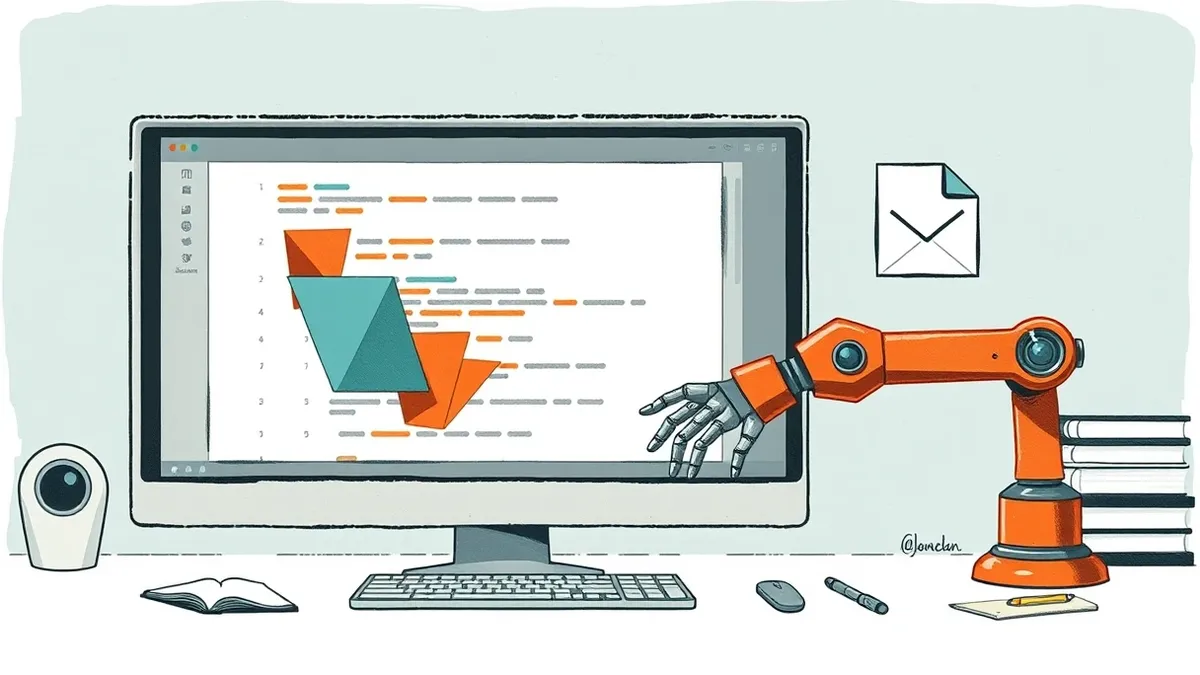
By treating Markdown as a collaborative common language, Google positions Docs as a bridge between human teams and autonomous AI agents. The platform now supports real-time co-editing where teammates and AI tools can work on the same file simultaneously, ensuring a single source of truth across engineering and product documentation.
The takeaway
Users gain access to rendered previews in Drive, line-level commenting, and tracked version history for all revisions. A visible badge in the document header indicates native Markdown mode, helping teams distinguish these files from standard Docs while preserving full support for tables, headers, and bulleted lists.
Building on this
Developers can now integrate Google Docs into their documentation pipelines without breaking Git workflows. The native fidelity means .md files remain compatible with standard developer tools, while the real-time collaboration features allow AI agents to draft and edit content alongside human contributors. Teams can leverage line-level comments for feedback and use version history to audit changes made by both humans and agents. Drive previews allow quick reviews of formatted content, including tables and hyperlinks, without switching to raw text views.
Why it matters
- Enterprise IT buyers can reduce friction in technical documentation workflows by eliminating manual file conversions between Markdown and proprietary formats.
- The native support for Git-compatible .md files allows development teams to maintain version control integrity while using collaborative editing features.
- AI agents can now interact directly with documentation in Google Docs, enabling automated drafting and editing within a familiar human interface.
- Real-time collaboration features, including line-level commenting and version history, provide audit trails for changes made by both human users and AI tools.
Topics: Google Workspace, Markdown, AI agents, developer tools, collaboration
Updated
Ask the article
Local keyword search of this article; no generated answers.Did this article give you the evidence you needed?
Your choice stays on this device. No public tally.Questions readers ask
Does Google Docs convert Markdown files to a different format?
No, the update allows native editing of .md files without changing the file type, preserving compatibility with Git repositories.
Can AI agents edit Markdown files in Google Docs?
Yes, the feature supports real-time co-editing where AI agents and human teammates can work on the same document simultaneously.
How do users preview Markdown files in Google Drive?
Users can view rich, formatted previews directly in Drive, with full support for tables and hyperlinks, or toggle to raw text view.
Reading receipt
- Google Docs now natively opens and edits Markdown files directly from Google Drive.
- The feature preserves file fidelity for Git repositories while enabling real-time collaboration.
- AI agents can co-edit documents alongside humans, maintaining a single source of truth.